
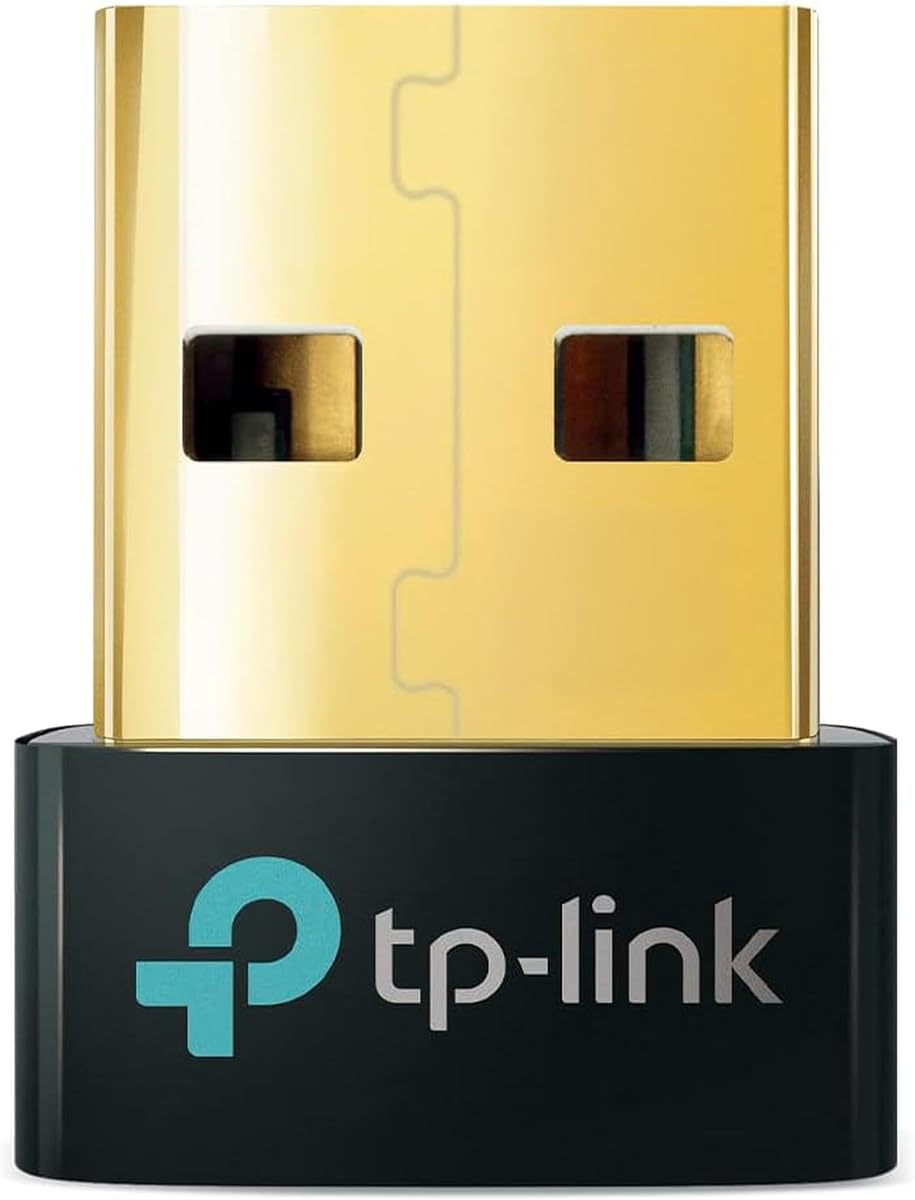
UGREEN Bluetooth 5.3
4.4Editor score
Five-device simultaneous connection
Driver-free Windows setup
Compact low-profile design
Compare 10 Bluetooth Adapter for Keyboards by compatibility, range, multi-device support, and setup options to find the right wireless receiver for your PC.
A Bluetooth adapter for keyboards can give an older desktop or a modern laptop the wireless connectivity needed for compact peripherals, cleaner desks, and flexible work setups. The right receiver depends on operating-system support, Bluetooth version, radio range, device capacity, and how simply it handles installation and pairing.
This guide compares ten USB Bluetooth receivers and keyboard converters using the supplied specifications, customer ratings, compatibility notes, connection limits, antenna design, and supported platforms. It covers conventional Windows dongles alongside converters that can transform wired USB keyboards and mice into wireless peripherals across several computers, tablets, or phones.
Each review identifies the product's most useful traits, practical limitations, and ideal user, while the comparison table makes the main differences easier to scan. Product details and ratings can change over time, and market pricing also fluctuates, so readers should verify current specifications and availability before purchasing.
4.4Editor score
4.5Editor score

4.4Editor score
The table below compares all ten products by Bluetooth or wireless technology, operating-system support, device capacity, and their most notable design feature. It also highlights the two keyboard converters, which solve a different problem from standard PC Bluetooth receivers.




The TP-Link UB500 is a conventional USB Bluetooth receiver built for Windows PCs, and its 4.5 customer rating is the highest among the ten products listed. It combines Bluetooth 5.4, Enhanced Data Rate, and Bluetooth Low Energy support in a compact nano-sized dongle that can remain inserted without obstructing neighboring ports.
We may earn a commission when you buy through this link, at no additional cost to you.
Its strongest qualities are balanced compatibility and straightforward operation. The adapter works with Windows 8.1, 10, and 11 without manual driver installation, while Windows 7 support is available through a downloadable driver. Bluetooth 5.4 is backward compatible with versions 5.3, 5.0, 4.2, 4.0, 3.0, 2.1, 2.0, and 1.1, making it a sensible bridge for a broad collection of peripherals.
The product is not as universally compatible as its compact appearance might imply. It does not support macOS, Linux, TVs, or Windows 8, and it cannot be connected directly to gaming consoles. TP-Link also recommends disabling an existing internal Bluetooth radio in Device Manager before use, which is a sensible precaution against driver conflicts but adds a setup step for some computers.
This is the strongest general recommendation for someone who wants a small, current-generation receiver for a Bluetooth keyboard and other everyday peripherals on a Windows PC. It combines a high rating, modern wireless standard, broad backward compatibility, and easy setup without introducing an antenna or a more complex converter design.
The UB500 can serve a keyboard, mouse, phone, printer, headset, and other supported Bluetooth equipment, so it is not restricted to a single peripheral type. Its low-energy design and EDR support suit general productivity use, while the small housing makes it convenient to leave permanently in a desktop or travel laptop.
Modern Windows versions recognize the dongle through a plug-and-play process, although an internet connection is required according to the listed instructions. Before setup, users should check Device Manager and disable the computer's built-in Bluetooth device to avoid the conflict that TP-Link specifically identifies.
We may earn a commission when you buy through this link, at no additional cost to you.
The UGREEN Bluetooth 5.3 adapter is a compact Windows receiver with a 4.4 rating and a clear emphasis on stable connections, efficient power use, and simultaneous peripheral support. It is designed for users who want to connect a Bluetooth keyboard alongside items such as a mouse, phone, or headphones without using several separate USB receivers.
We may earn a commission when you buy through this link, at no additional cost to you.
The adapter can maintain connections to as many as five different device types at once. Its Bluetooth 5.3 BR/EDR implementation is intended to improve connection stability, data-transfer performance, and power consumption, while the low-energy profile helps manage energy use. The supplied specifications also clarify that multiple audio devices of the same type cannot play at once.
Installation is refreshingly simple on supported Windows systems. No driver installation is required for Windows 8.1, 10, or 11, and the tiny housing is designed to remain plugged in without interfering with adjacent USB ports. Compatibility is narrower, however: Windows 7, Linux, macOS, TVs, cars, and gaming consoles are not supported.
The UGREEN is a compelling pick for a Windows desktop or laptop that needs a compact Bluetooth keyboard and several other wireless device classes. It is less versatile for mixed-platform users, but within Windows 8.1 through 11, the five-device capacity and simple setup make it especially useful for a shared workstation.
Five-device support is a meaningful advantage for desks that combine a keyboard, mouse, phone, and audio equipment. UGREEN specifies that different types can operate together without interference, although users should not expect simultaneous playback from multiple speakers or headphones of the same type.
The adapter's body is intentionally small enough to remain attached to a laptop during travel. That means a user can move between locations without repeatedly disconnecting and reconnecting a fragile USB receiver, while its unobtrusive size also keeps adjacent ports accessible.
We may earn a commission when you buy through this link, at no additional cost to you.
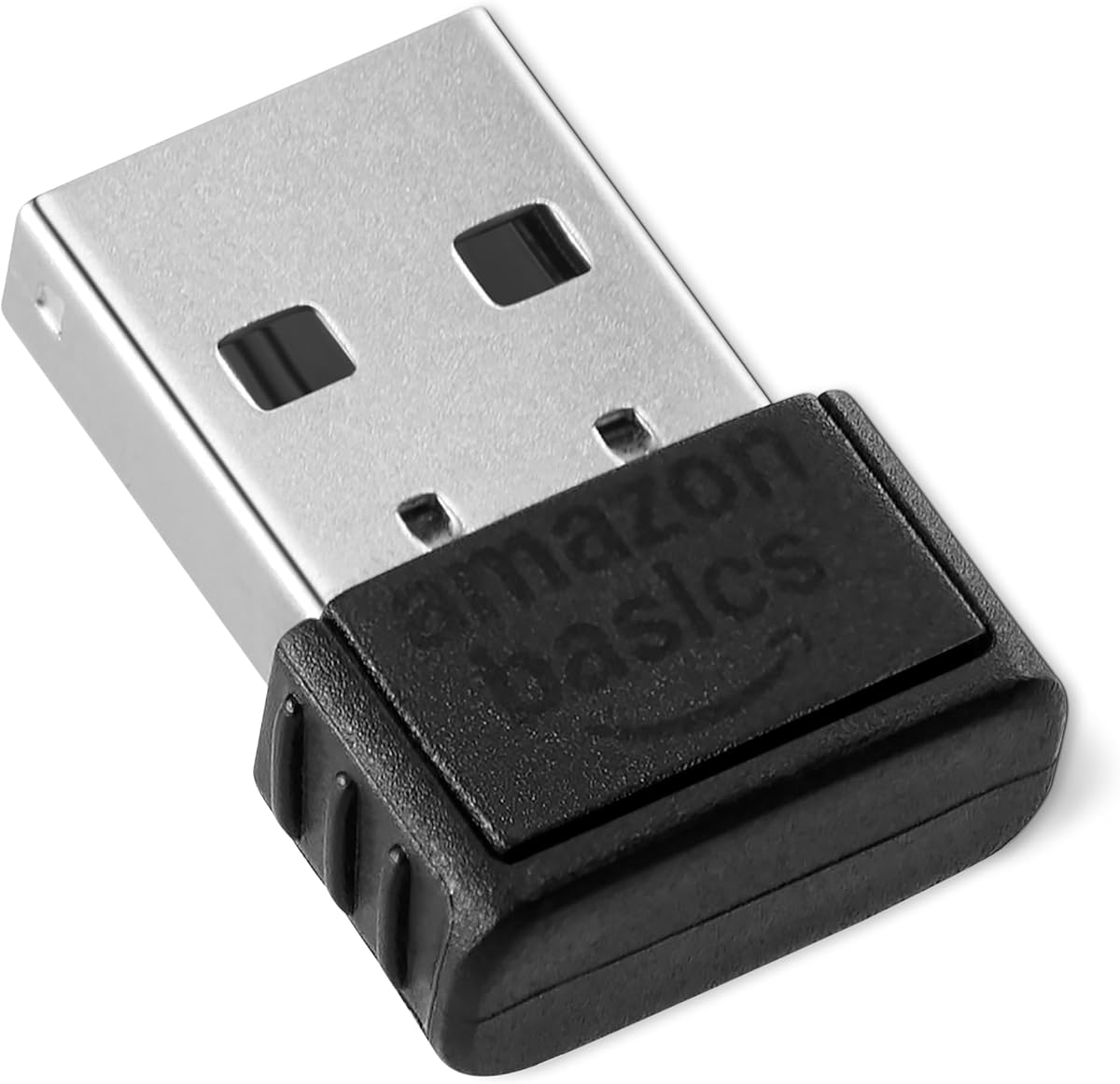
The Amazon Basics Bluetooth 5.4 USB Adapter Dongle is a straightforward Windows receiver with a 4.3 customer rating. It turns a compatible PC into a Bluetooth-capable machine and supports a keyboard, mouse, and several other device classes through a compact USB receiver.
We may earn a commission when you buy through this link, at no additional cost to you.
Its defining advantage is a stated capacity of six simultaneous connections, which is one more than the five-device maximum listed for either UGREEN receiver. Bluetooth 5.4 is backward compatible with 5.3, 5.2, 5.1, 5.0, 4.2, 4.0, 3.0, 2.1, 2.0, and 1.1. EDR and BLE technologies support efficient data transfer and lower energy consumption.
The adapter works only with Windows 8.1, 10, and 11. It does not support macOS, Linux, Chrome, Unix, PlayStation systems, or Windows 7 and earlier versions. As with many USB Bluetooth receivers, the built-in Bluetooth radio should be disabled before the dongle is used, with the user manual providing additional guidance.
The Amazon Basics model is best for Windows users who want a modern receiver with ample connection capacity and broad support for older Bluetooth peripherals. It is less appropriate for a mixed ecosystem, but its six-device allowance, compact form, and 5.4 specification make it a strong contender for a busy desktop setup.
Six simultaneous connections leave room for a keyboard, mouse, phone, headphones, and other peripherals. Although the specification does not promise that every possible device combination will perform identically, the higher nominal ceiling adds flexibility compared with typical single-purpose receivers.
Backward compatibility is valuable because many Bluetooth keyboards and mice still use established 4.0 or 4.2 profiles. The adapter's support for older versions means users are not limited to newly released accessories when assembling a wireless desk.
We may earn a commission when you buy through this link, at no additional cost to you.
The cablecc U2-016-AF001 takes a different approach from a standard PC Bluetooth dongle: it converts wired USB keyboards and mice into wireless peripherals. It supports Bluetooth and 2.4G operation, making it a multi-device converter for laptops, tablets, and phones rather than simply a receiver for a desktop.
We may earn a commission when you buy through this link, at no additional cost to you.
Bluetooth mode can switch among eight computers and phones. Users can activate a physical button to cycle through four device slots or use Ctrl+Alt+Shift combinations with the numbers 1 through 8. Ctrl+Alt+Shift+0 switches between Bluetooth and 2.4G modes, while a blue light identifies Bluetooth and a red light identifies 2.4G operation.
The 2.4G path has an important accessory requirement: a separate additional receiver must be purchased, even though one receiver is included in the package. The converter's Type-C power connection and multi-platform wording also make it more involved than a simple Windows receiver, and its 3.9 rating is the second-lowest among the listed products.
This converter makes sense for a user who already owns a dependable wired keyboard and mouse but wants to use them wirelessly across several devices. It is less suitable for someone seeking a simple, driver-free PC Bluetooth receiver or a product with a higher customer rating.
Instead of requiring a new Bluetooth keyboard, the converter attaches to an existing wired USB keyboard or mouse and turns it into a wireless device. That can preserve familiar layouts and typing habits while removing the cable from the user's daily workspace.
Physical buttons cover four device positions, while numbered keyboard shortcuts unlock the full set of eight. The listed switching process completes in approximately one to three seconds, making the converter suitable for users who alternate regularly between a desktop, laptop, tablet, or phone.
We may earn a commission when you buy through this link, at no additional cost to you.
The TP-Link UB600 is a premium nano receiver built around Bluetooth 6.0, with a 4.2 customer rating. It is positioned as an upgrade for users who want a modern standard, support for up to seven device types, and a compact adapter that can remain installed on a desktop or laptop.
We may earn a commission when you buy through this link, at no additional cost to you.
TP-Link describes faster data transfer, stable connections, low latency, and suitability for keyboards, mice, phones, tablets, controllers, and printers. EDR and low-energy considerations are built into the design, while the ultra-small housing is intended to avoid blocking nearby USB ports during travel or daily use.
Setup varies by Windows version. Windows 10 and 8.1 support plug-and-play installation, whereas Windows 11 and 7 users are directed to download the latest driver from TP-Link's website. It is also a PC product rather than a general-purpose adapter for consoles, televisions, or non-Windows systems.
The UB600 is most attractive for a user who wants the newest Bluetooth generation, the largest stated multi-device capacity among these products, and a trusted Windows setup with a compact footprint. Its value is strongest when paired peripherals can benefit from the newer standard, while owners of older equipment may find the UB500 more economical.
Bluetooth 6.0 is the headline feature, bringing faster transfer potential, improved stability, and low-latency positioning. Actual performance will depend on the keyboard, mouse, and other peripherals, as well as the computer and operating system, so a newer radio cannot independently eliminate lag in every accessory.
The stated capacity of seven different device types is generous for a PC dongle and supports a broad wireless workstation. Its miniature construction means the receiver can remain inserted, which is convenient for a docked office or a laptop carried between locations.
We may earn a commission when you buy through this link, at no additional cost to you.
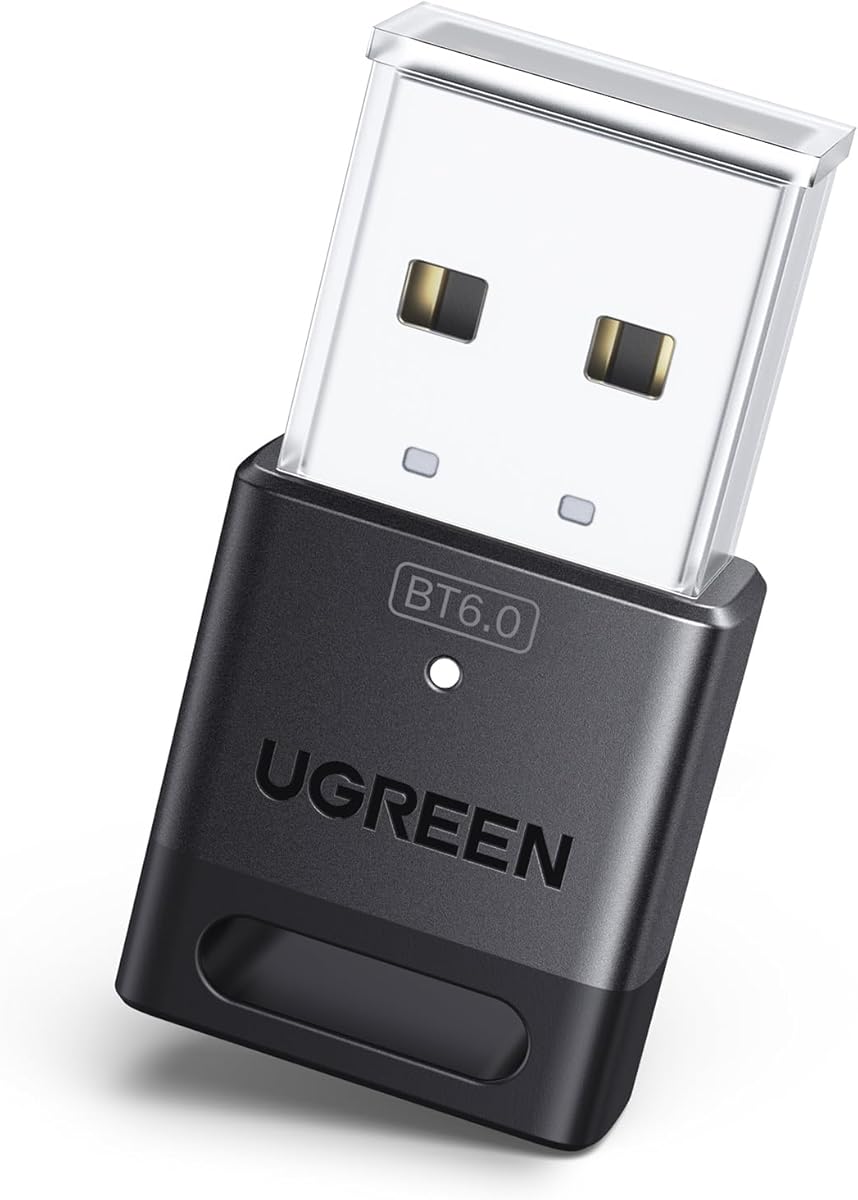
The UGREEN USB Bluetooth Adapter for PC with Bluetooth 6.0 combines a 4.2 rating with a modern receiver design and a stated five-device capacity. It is aimed at Windows users who want to connect a Bluetooth keyboard, mouse, phone, headphones, and other supported device classes to one compact dongle.
We may earn a commission when you buy through this link, at no additional cost to you.
The adapter's Bluetooth 6.0 EDR implementation is described as supporting faster data transfers, smooth audio and video streaming, and efficient large-file transfers. It is backward compatible with Bluetooth 5.4 and 5.3, while BLE technology is included to help with energy efficiency. Different device types can be connected simultaneously, subject to the limitation on multiple same-type audio devices.
Installation is plug-and-play on Windows 8.1, 10, and 11. The product does not support Windows 7, macOS, or Linux, and UGREEN notes that it cannot be used directly with PS3, PS4, PS5, Switch, or Xbox consoles. As with the earlier UGREEN model, users may need to disable an existing Bluetooth radio in Device Manager.
This UGREEN is a good match for a modern Windows computer that needs more than a basic keyboard receiver and may also serve mobile accessories or audio. Those seeking broader legacy operating-system support should consider a TP-Link alternative, while users who require the highest device count can look to the UB600.
The adapter delivers a current Bluetooth generation while keeping installation simple on the Windows versions most commonly found on active PCs. Its backward compatibility helps existing Bluetooth peripherals pair, although performance ultimately depends on the radio and firmware inside each accessory.
Five device types are enough to cover a typical keyboard-and-mouse desk while leaving room for a phone or headset. The restriction that only one same-type audio output can play at a time is common in this product category and should be considered for multi-speaker setups.
We may earn a commission when you buy through this link, at no additional cost to you.
The TP-Link UB500 Plus is the long-range option in this guide, distinguished by a 4.4 rating and an adjustable multi-direction antenna. Unlike the tiny nano dongles, it is designed to remain visible so the antenna can be rotated and positioned for better reception in different environments.
We may earn a commission when you buy through this link, at no additional cost to you.
Bluetooth 5.3 with EDR forms the technical foundation, and the product is backward compatible with Bluetooth 4.2, 4.0, 3.0, 2.1, 2.0, and 1.1. TP-Link states that it can provide up to twice the speed and four times the coverage associated with Bluetooth 4.0, making it a sensible choice for a keyboard placed farther from the computer or for a room with obstacles.
The receiver supports Windows 8.1, 10, and 11 through plug-and-play operation when connected to the internet. Windows 7 requires a downloadable driver. The adjustable antenna is the trade-off for improved directional reception, but it means this is not as discreet or travel-friendly as a conventional nano adapter.
The UB500 Plus is the best choice for users who value reach more than minimal size. A keyboard used across a large desk, in a presentation space, or at some distance from a desktop tower can benefit from deliberate antenna positioning, while a user who only needs short-range connectivity may prefer the smaller UB500.
The rotating antenna lets a user optimize reception for the actual placement of the PC and keyboard. This is more useful than a fixed internal antenna in rooms where walls, furniture, or other wireless equipment may weaken or redirect the signal.
Unlike a nano stick that disappears into a port, the Plus model gives users direct control over antenna orientation. It can sit beside a monitor, extend from the rear of a desktop, or be positioned on a desk for better line-of-sight communication with the peripheral.
We may earn a commission when you buy through this link, at no additional cost to you.
The Bluetooth 6.0 Mini Dongle records the highest customer rating in the list at 4.6. It is a compact PC receiver designed to add wireless functionality to desktops and laptops while supporting the two most common desk accessories: Bluetooth keyboards and mice.
We may earn a commission when you buy through this link, at no additional cost to you.
Its most prominent feature is a stated operating range of up to 65 feet, or 20 meters, in an open environment. The adapter also supports Bluetooth 6.0 and is backward compatible with 5.4, 5.3, 5.2, and 4.0 devices. Headphones, speakers, printers, and game controllers are also among the listed compatible equipment.
Windows 11 and 10 offer plug-and-play setup, while Windows 7 requires driver installation for audio-device support. The 65-foot figure is an open-environment specification, so walls, furniture, wireless interference, and device placement may reduce the usable distance. The listing also positions the dongle as a Windows product rather than a universal cross-platform accessory.
This is a strong recommendation for a Windows user who wants a compact receiver, a generous stated range, and broad peripheral support. Its high rating makes it worth considering, although buyers seeking a clearer manufacturer ecosystem or a formal multi-device connection count may find the TP-Link options easier to evaluate.
A stated 65-foot open-environment range provides useful flexibility when the computer is not immediately beside the keyboard. The product is better suited to a spacious office or living area than a tightly packed workstation where its additional reach would rarely be needed.
Backward support through Bluetooth 4.0 makes the dongle suitable for established keyboard and mouse accessories, while newer devices can use the Bluetooth 6.0 radio. It is also listed for printers, speakers, headphones, and supported game controllers, giving it more breadth than a keyboard-only receiver.
We may earn a commission when you buy through this link, at no additional cost to you.
The USB Wired Keyboard and Mouse Convert to Wireless converter is designed for people who want to reuse existing wired peripherals across several systems. It has a 2.8 customer rating, the lowest in the group, but its multi-device Bluetooth and 2.4G switching functions give it a distinct purpose.
We may earn a commission when you buy through this link, at no additional cost to you.
The converter can turn a wired USB keyboard and mouse into wireless devices for laptops, tablets, and phones. Its Bluetooth mode supports eight devices, with Ctrl+Alt+Shift plus a number used to choose one of the eight. A physical button offers quicker access to four positions, while Ctrl+Alt+Shift+0 toggles between Bluetooth and 2.4G operation.
A blue indicator identifies Bluetooth mode and a red indicator identifies 2.4G mode. The package includes one wireless adapter and one 2.4G receiver, but the specifications state that an extra 2.4G receiver must be purchased for the full eight-device 2.4G arrangement. This distinction can be confusing if a buyer expects every possible pairing slot to work immediately.
The product is best for a user who values cross-device wireless conversion more than a high customer rating or conventional Windows dongle setup. A buyer should read the manual carefully, understand the receiver and accessory requirements, and confirm that the combination of keyboard, mouse, power connection, and target device is suitable.
The converter allows a familiar wired keyboard and mouse to move between up to eight Bluetooth destinations. That makes it appealing to users who alternate among a work laptop, personal laptop, tablet, and phone without buying a separate wireless keyboard for every system.
Bluetooth and 2.4G provide different connection paths, but the 2.4G function requires matching receivers on the target systems. Checking those hardware requirements before purchase is essential to avoiding frustration when switching modes or devices.
We may earn a commission when you buy through this link, at no additional cost to you.
The Avantree DG45 is a focused USB Bluetooth adapter for Windows PCs and laptops, carrying a 4.3 customer rating. Its purpose is clear: add Bluetooth capability to a compatible computer so it can use wireless keyboards, mice, headphones, speakers, phones, tablets, smartwatches, printers, and supported controllers.
We may earn a commission when you buy through this link, at no additional cost to you.
The adapter supports pairing with up to seven Bluetooth devices. Keyboard, mouse, and other non-audio devices can operate at the same time, while only one Bluetooth audio device such as headphones can be active at a given moment. It also supports stereo music, voice calls through compatible headphone microphones, and data transfers with suitable phones and tablets.
Compatibility is limited to Windows 8, 8.1, 10, and 11. It does not support macOS, ChromeOS, Linux, Windows 7, XP, Vista, televisions, car stereos, or gaming consoles. Importantly, the DG45 is a Bluetooth receiver and cannot operate 2.4G wireless keyboards, mice, headsets, or speakers that depend on a proprietary USB receiver.
The DG45 is a sensible choice for a Windows user who values broad device support, straightforward Bluetooth operation, and seven pairing slots without needing the latest Bluetooth generation. It is particularly appropriate for a mixed desk containing a Bluetooth keyboard, mouse, phone, and occasional headset.
Seven paired devices provide ample capacity for a keyboard, mouse, smartphone, and headset, among other accessories. Simultaneous use of non-audio devices makes the receiver particularly practical for productivity, while its audio focus is less expansive for users running multiple speakers at once.
The DG45 cannot be mistaken for a universal USB wireless receiver. Keyboards and mice that communicate through 2.4G and a proprietary USB dongle will not work with it, so buyers should confirm that their peripherals use Bluetooth before choosing this adapter.
We may earn a commission when you buy through this link, at no additional cost to you.
The most important decision is whether you need a standard Windows PC receiver or a converter for an existing wired keyboard. From there, operating-system support, wireless range, device capacity, audio needs, and installation method determine which adapter will fit your setup best.
Bluetooth adapter support is heavily dependent on the host operating system and its drivers. Most conventional products in this guide are designed for Windows PCs, with individual differences: the UGREEN models support Windows 8.1 through 11, the Amazon Basics model does the same, and TP-Link models generally extend support to Windows 7 through 11. None should be assumed to work with macOS, Linux, ChromeOS, televisions, vehicles, or consoles. A product that works in Windows may also fail when the keyboard is paired to a different system.
Choose a receiver whose stated platform support includes every computer or tablet you plan to use. If your setup crosses operating systems, verify current driver availability and documentation before buying rather than relying on the USB connector alone.
A standard USB Bluetooth receiver adds Bluetooth to a compatible computer and pairs with a keyboard that already supports Bluetooth. A converter is different: it attaches to a wired USB keyboard or mouse and makes that peripheral wireless across multiple systems. The cablecc products are designed for the latter function and also offer 2.4G operation, while the other eight products are conventional PC receivers.
Own a Bluetooth keyboard? Choose a compact receiver. Want to preserve a wired keyboard's feel? Consider a converter, but check the included receiver, target-platform support, and power requirements. The two categories should not be compared solely by wireless version or rating because they solve different problems.
Bluetooth 5.3, 5.4, and 6.0 models offer progressively newer radio capabilities, including improved throughput, stability, interference handling, and power efficiency. The UGREEN 5.3, TP-Link UB500, Amazon Basics 5.4, TP-Link UB500 Plus, and newer 6.0 products all offer backward compatibility with common older Bluetooth versions, so a current adapter can still pair with established keyboards and mice.
Prioritize current standards when buying new equipment, but do not assume the newest label guarantees better keyboard performance. The keyboard's own radio, profile, firmware, power source, and environment determine the final experience. Older peripherals may perform perfectly with a newer receiver.
Range matters when the keyboard is separated from the computer by a large desk, wall, partition, or other obstruction. The TP-Link UB500 Plus stands out with a rotating, multi-direction antenna that users can position for reception. The mini Bluetooth 6.0 dongle lists a maximum open-environment range of 65 feet, while other compact receivers do not provide a comparable numerical range in the supplied data.
Choose an adjustable antenna when placement is awkward or distance is substantial. For a standard desk, a nano receiver may be more convenient because it is smaller and less likely to be moved accidentally. Remember that walls, furniture, radio interference, and device placement can reduce any advertised maximum range.
The listed conventional receivers support different numbers of simultaneous device types: five for the UGREEN 5.3, six for Amazon Basics 5.4, seven for the TP-Link UB600 and Avantree DG45, and broader support for multiple peripherals on the TP-Link UB500 without a specific number in the supplied data. Both converters state support for switching among eight Bluetooth devices, although their physical button exposes four positions and shortcuts unlock all eight.
Count the keyboard, mouse, phone, headset, and other equipment you expect to keep paired. Also account for audio limitations: several products allow multiple non-audio peripherals to operate together but only one same-type audio device to play at a time.
Plug-and-play is convenient but not universal. Windows 10 and 8.1 are generally straightforward with the TP-Link UB600, while Windows 11 and 7 require the latest TP-Link driver. The UGREEN and Amazon Basics products offer no-driver setup on Windows 8.1 through 11, while older Windows support varies by model. Converters may require an additional 2.4G receiver for complete multi-device operation.
Before installation, check Device Manager and disable an existing internal Bluetooth radio if the manufacturer recommends it. This helps prevent the PC and dongle from competing for the same Bluetooth function. Users who need the simplest possible setup should prioritize models with explicit modern Windows plug-and-play support.
A nano receiver is small enough to remain inserted without obstructing neighboring USB ports, which is useful on compact laptops and crowded desktops. The UB500 Plus uses a more visible receiver with an adjustable antenna, while the converter products require a Type-C power connection and may also need room for a 2.4G receiver. Product size should therefore be matched to the available ports and the desired permanence of the installation.
If you travel frequently, a low-profile dongle is easier to manage than a larger receiver with an exposed antenna. For a stationary workstation, a larger design may be acceptable and could provide better placement flexibility.
Begin by identifying your keyboard's connection type. A Bluetooth keyboard can usually pair directly with a PC receiver, while a wired USB keyboard requires a suitable converter. Check the operating system, confirm that the adapter supports it, and decide whether you need one connection or simultaneous use of several peripherals. Before plugging in the receiver, open Device Manager and disable the computer's built-in Bluetooth radio if the product instructions recommend doing so.
Insert the USB receiver into a suitable port, then use the keyboard's pairing control to enter discovery mode. On Windows, open the Bluetooth settings or device panel, choose Add device, and select the keyboard when it appears. For a converter, attach the wired keyboard to the converter, connect its Type-C power lead, pair the converter in Bluetooth mode, and use the documented button or keyboard shortcut to select the target device. A single configuration step should be repeated only when changing systems.
Keep the adapter plugged in, protect it from impact, and avoid repeatedly bending the USB connector or pull-cabling the keyboard. Position an adjustable antenna toward the keyboard when possible, and keep the device away from long physical obstructions when range matters. Periodically check the manufacturer's driver site for updates, especially if a device stops pairing after a major Windows update. If the adapter is no longer recognized, disable the internal Bluetooth radio, reconnect the dongle, restart the Bluetooth service, and pair the keyboard again.
Yes, provided the adapter supports simultaneous non-audio peripherals and the keyboard and mouse use Bluetooth. Most of the conventional receivers in this guide can connect a keyboard and mouse at the same time. Audio devices may have a separate limit, with only one same-type audio device able to play at once in several models.
No. The keyboard itself must support Bluetooth for a conventional USB receiver to pair with it. A wired USB keyboard cannot connect directly; it requires a converter designed to transform wired peripherals into wireless devices. Check the keyboard's connector and the adapter's supported peripheral types before purchasing.
A Bluetooth 6.0 adapter offers a newer radio with the potential for improved speed, stability, and interference handling, but keyboard performance also depends on the peripheral's own radio and firmware. It is a sensible choice for newer equipment, while backward compatibility allows it to work with many established Bluetooth keyboards.
A computer with an active built-in Bluetooth radio can experience conflicts when a USB dongle is added. Several manufacturers recommend disabling the internal device in Device Manager so the operating system uses one receiver consistently. This step can resolve recognition, pairing, and driver-conflict issues.
The adapters in this guide are primarily designed for Windows PCs, and the supplied specifications explicitly exclude macOS and Linux for most or all of them. A USB connector alone does not guarantee cross-platform support. Users should verify driver and operating-system compatibility before buying for a non-Windows computer.
Bluetooth mode creates a direct wireless link with compatible devices and generally does not require a proprietary USB receiver on the target system. A 2.4G mode normally needs a small receiver inserted into each target computer. The converter products support both approaches, but additional 2.4G receivers may be required for every intended device.
Most desk-based keyboard setups work within a normal room, but large desks, separate work areas, and rooms divided by furniture can benefit from greater reach. The UB500 Plus offers an adjustable antenna, while one mini dongle lists up to 65 feet in an open environment. Walls and wireless interference can reduce usable range.
Some products can transfer data with compatible phones, tablets, or computers, while the UGREEN 5.3 is explicitly described as a receiver that cannot act as a transmitter. Other adapters may also have profile limitations. Users who need file transfer or another transmitting function should verify the exact capability in the product documentation.
The TP-Link UB500 is the most balanced overall recommendation because it combines Bluetooth 5.4, a 4.5 customer rating, broad backward compatibility, a compact nano design, and easy setup on modern Windows. The UGREEN Bluetooth 5.3 is the budget-focused alternative with five-device capacity, while the TP-Link UB500 Plus stands out for users who need an adjustable antenna and greater placement flexibility.
Prioritize the type of adapter that matches the actual need. A current Windows receiver is best for a native Bluetooth keyboard, while a converter is valuable for reusing a wired keyboard across several devices. Also prioritize operating-system support, simultaneous device count, range, and driver requirements rather than choosing solely by the newest Bluetooth number.
Before making a final purchase, verify that the target keyboard uses the correct wireless technology, confirm the computer's operating system, and check the latest manufacturer documentation. Product specifications, customer ratings, availability, and market pricing can change, so current details should always be reviewed at the point of purchase.